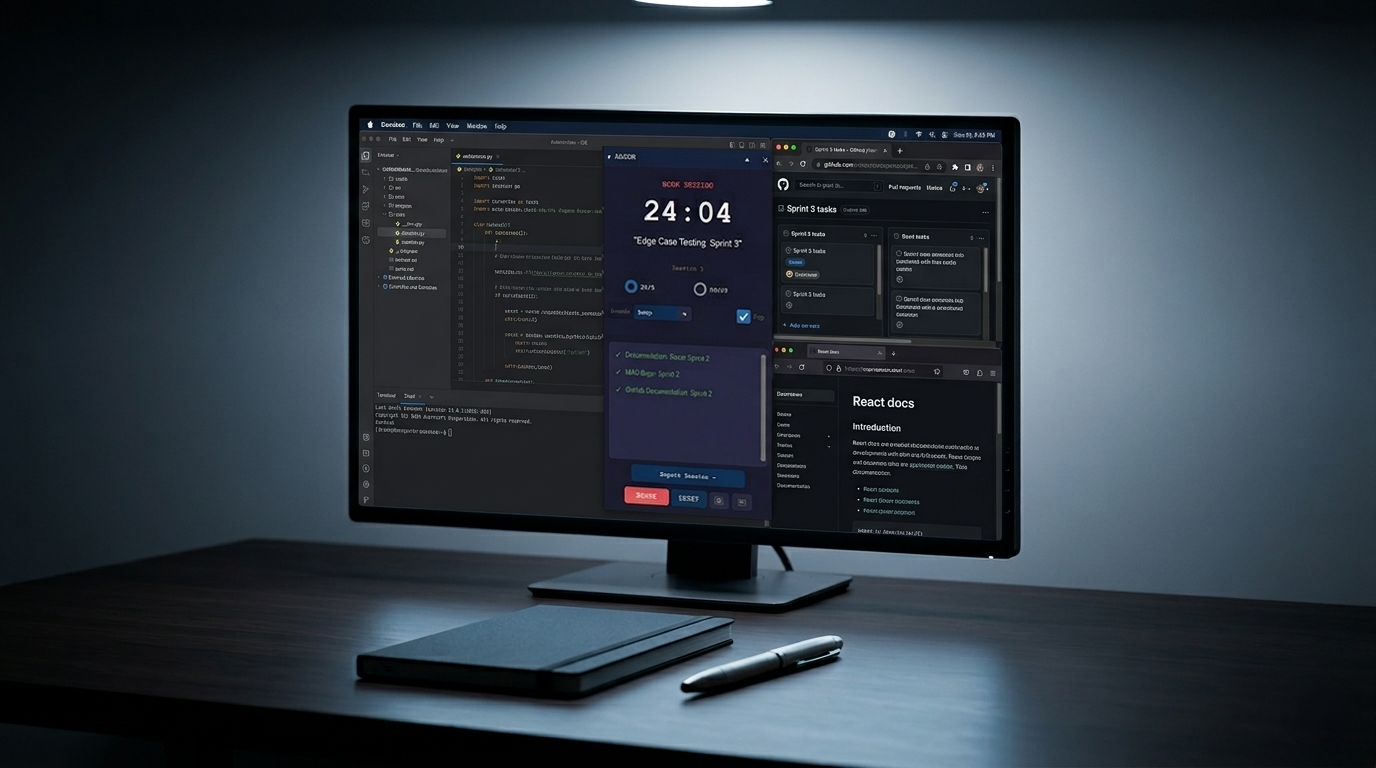
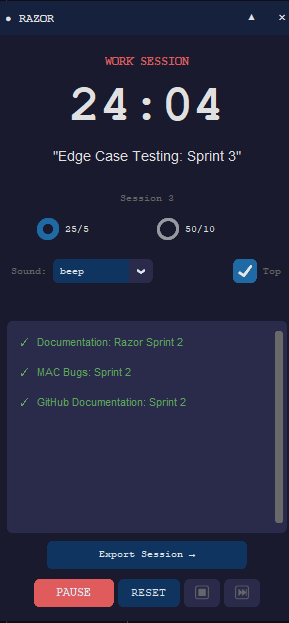
Razor is a work session timer with one requirement before the clock starts: declare the specific task and which project it belongs to. Type API_Caller: WeatherApp and the 25 minutes begin. When time is up, it asks whether you finished. The completed list grows. That is it.
I built it because I stood in my house one afternoon and counted ten unfinished projects in the same room.
Not ten across the whole house. Ten in that room. A workbench with three tools out, a shelf half-painted, a cabinet with one door rehung and one still leaning against the wall. I kept starting the next thing before the last thing was done. The thing before that too. And the thing before that.
At nine years old, I was building model rockets and RC airplanes every summer. I would build three, fly two, and leave the third on the workbench until school started. I thought I was easily bored. I thought that was how I was wired.
It took thirty more years to consider another explanation.
The pattern has a name. I am 58. The framing landed for the first time standing in that room counting projects.
What the Declaration Does
The core loop is three steps. Declare. Work. Report back.
Before the timer starts, Razor asks what you are working on. You type the subtask and the project name separated by a colon: Subtask: Project. If you are writing the API caller module for a weather app, you type API_Caller: WeatherApp. The task stays on screen for the full 25 minutes.
That one step does more than it looks like. Naming the task forces a decision before the session starts. Not “work on the weather app.” The specific next action inside the weather app. The vagueness that lets you context-switch mid-session has to go somewhere, and that somewhere is the declaration prompt.
When the session ends, Razor asks: Done or Not Done. If done, the task moves to the completed list. The list builds as you work. At the end of a session block, you have a record of what actually happened, not what you intended to happen.
I used it to finish a project on local AI edge inference. Not start it. Finish it.
Install and Run
Razor runs on Windows. Download the release from github.com/ku5e/razor, unzip, and run the executable. No install step.
Configuration lives in AppData\Local\razor\config.json and writes atomically, so it stays out of any synced folder.
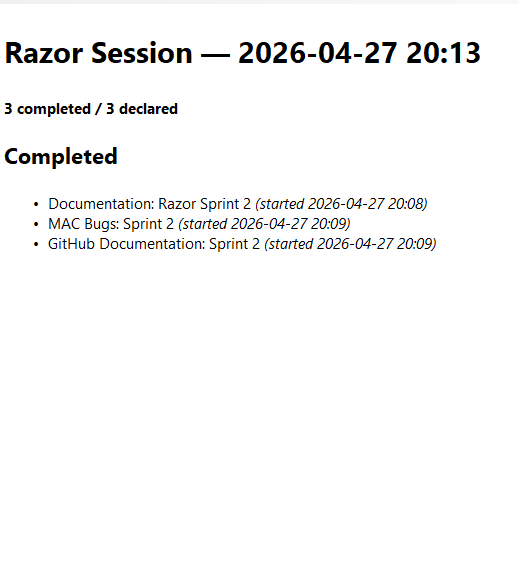
Session exports write to a dated markdown file you can drop anywhere.
What a Finished Session Looks Like
After three or four 25-minute sessions, you have a list:
API_Caller: WeatherApp ✓
Route_Handler: WeatherApp ✓
README_draft: WeatherApp ✓
You know exactly what moved. The reward of crossing items off a list is real, and it compounds across sessions. A day of declarations gives you a log of actual output rather than a vague sense of having been busy.
Razor is the first tool in a broader project called Anchor. The goal is a body-doubling environment for people who work alone and need external structure to stay on task. More tools are coming. Razor is open sourced under MIT at github.com/ku5e/razor. GitHub Sponsors is wired in for anyone who finds it worth supporting.
Written by Mario Martinez Jr. (ku5e / Gary7) | TryHackMe Profile | ku5e.com/blog